Supporting article for the main guide: Local SEO for Indonesian Businesses: Complete 2026 Guide
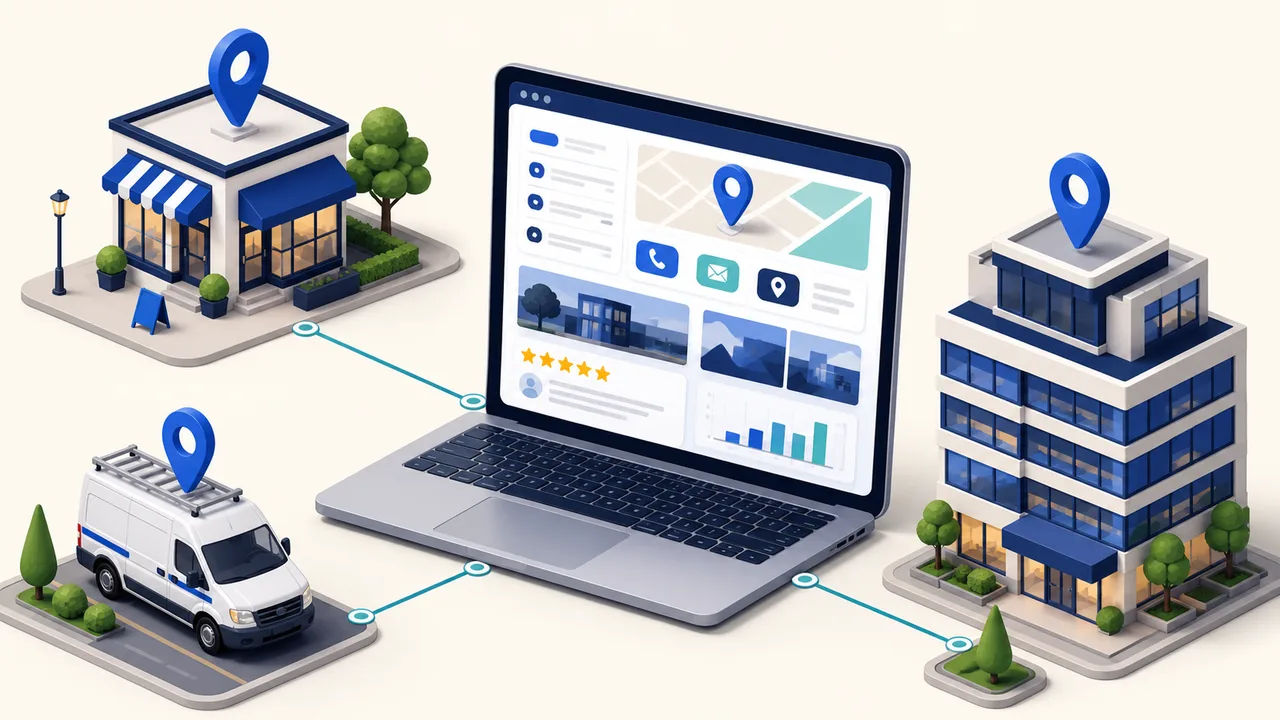
If your business has more than one branch, or serves several cities, location pages are the meeting point between local search and your website. This guide covers how to create location pages for local SEO that are genuinely useful: not duplicated templates with the city name swapped, not thin pages that only chase keywords, but pages that answer what customers in that area actually need and stay consistent with your Google Business Profile. The full strategy lives in the Local SEO guide for Indonesian businesses; if your Google profile is not tidy yet, start with how to optimize your Google Business Profile, then connect it to your location pages.
When your business needs location pages
A location page earns its place when there are real differences you can explain: a physical branch with its own address and hours, a different team, services with different coverage, or a local portfolio you can show. If three pages for “City A, City B, City C” are identical except for the region name, you are building shallow duplicates, not an SEO asset.
Conversely, when branches or service areas genuinely operate differently, location pages help Google understand your business entity, help customers pick the right contact path, and give GBP a more relevant destination than your homepage.
The core principle: useful first, optimized second
Google explicitly names doorway abuse: pages built to capture specific searches but offering no real value, including near-identical page variations for many regions. The practical rule is simple: a location page should still be worth reading if you remove the city name from the title.
That means writing for customers in that area. State the areas you actually serve, explain which services are available there, show local proof, and never promise coverage you cannot back up. If a region does not yet have enough unique content, do not publish its page yet.
A location page structure that works
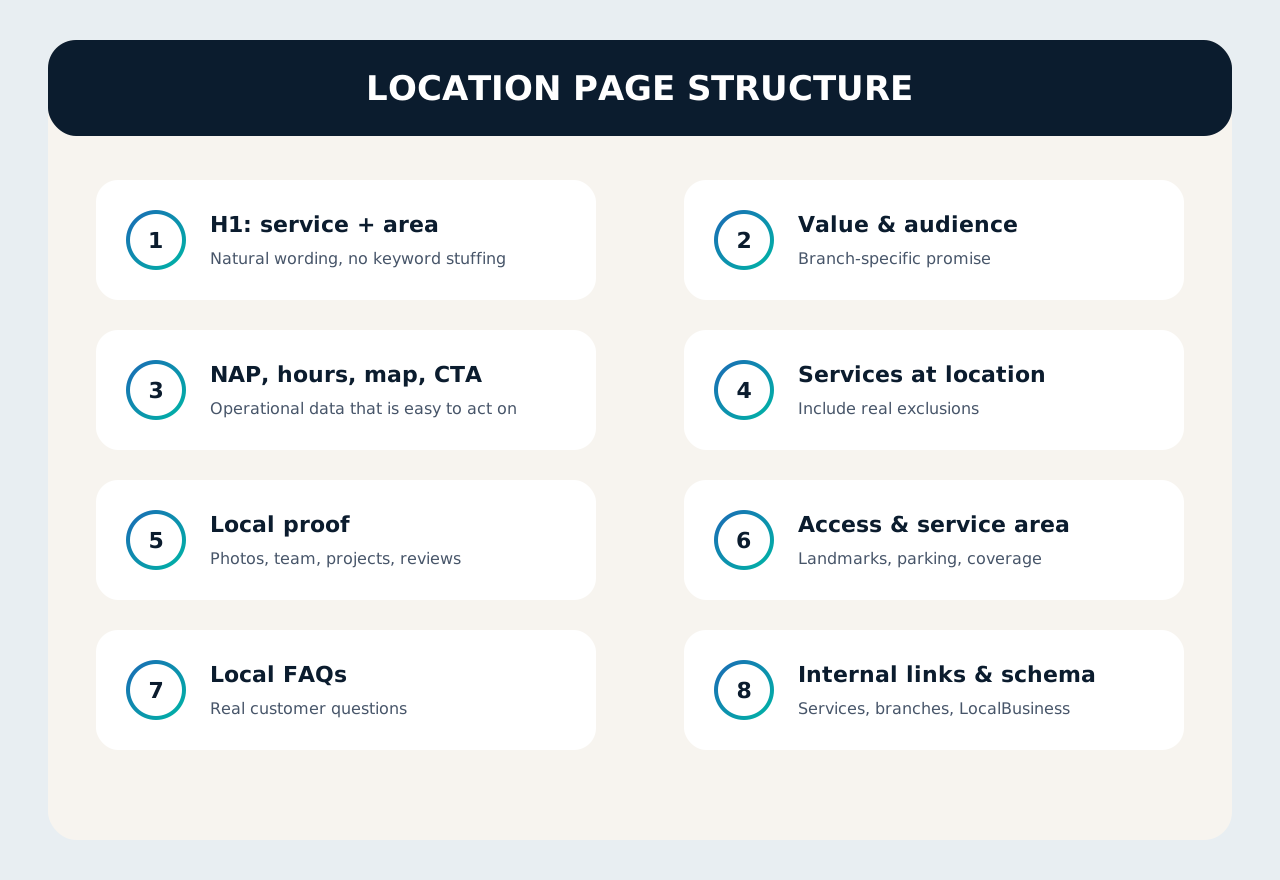
These eight blocks cover most local businesses. The order can shift, but every block should answer a real customer question.
| Block | Minimum content | Purpose |
|---|---|---|
| H1: service + area | “Kitchen Set Services in Bekasi”, not “Best #1 Cheap Bekasi Kitchen Set” | States the page topic without keyword stuffing |
| Value & audience | Who the page is for, what problem it solves, what differs at this location | Human relevance, not a template |
| NAP, hours, map, CTA | Name, address, phone, opening hours, map, WhatsApp/call button | Consistency with GBP and easy contact |
| Services at location | Services genuinely available, plus real exclusions | Avoids overclaiming |
| Local proof | Photos of the place, team, projects, local customer reviews | Builds trust and uniqueness |
| Access & service area | Landmarks, parking, transport access, areas still in coverage | Answers operational questions |
| Local FAQs | Real questions: visit fees, warranty, areas not served | Captures local long-tail queries |
| Internal links & schema | Links to services, other branches, related articles; LocalBusiness markup where appropriate | Helps crawling and entity understanding |
Local content that makes each page different
Differences between pages must come from real data, not synonyms. Use this checklist before writing a single paragraph:
- Final address and operating hours from operations, not an old spreadsheet.
- Original photos of the place, team, finished work, or fleet in that area.
- Three real customer questions that come in via WhatsApp or phone from that area.
- One local case study or review you are allowed to publish.
- Clear service-area boundaries, including areas you do not serve.
If this checklist is not met, hold off on publishing. Pages forced live early usually end up thin and indistinguishable from other city pages.
How to connect location pages to your site
Do not let a location page become an orphan. Link to it from relevant service pages, a “Branches” or “Service Areas” hub page, and blog articles that discuss local problems. Use descriptive anchor text like “AC service in Surabaya”, not “click here”.
For GBP, use the location page URL as the website when it genuinely represents that location. For service areas without a physical office, do not show a fake address; point to a service-area page that explains your coverage instead. NAP consistency between the page and the profile remains mandatory—the fundamentals are in the Google Business Profile optimization guide.
Mistakes that most often break location pages
- Spinning up dozens of city pages from one template with 90% identical content.
- Repeating the city name across the H1, subheadings, and alt text without reason.
- Displaying a virtual address that violates Google’s guidelines.
- Claiming to serve an entire province when the team only covers two districts.
- Never linking the page to services, case studies, or the right contact channel.
Conclusion
A good location page is a service page that happens to be area-based: it has a reason to exist, local proof, and a clear contact path. Start with a few regions that are genuinely ready, measure performance, then scale. For the full strategy, return to the Local SEO guide for Indonesian businesses.
Need help designing a scalable location-page architecture and local SEO? See LINC’s SEO services or contact our team.